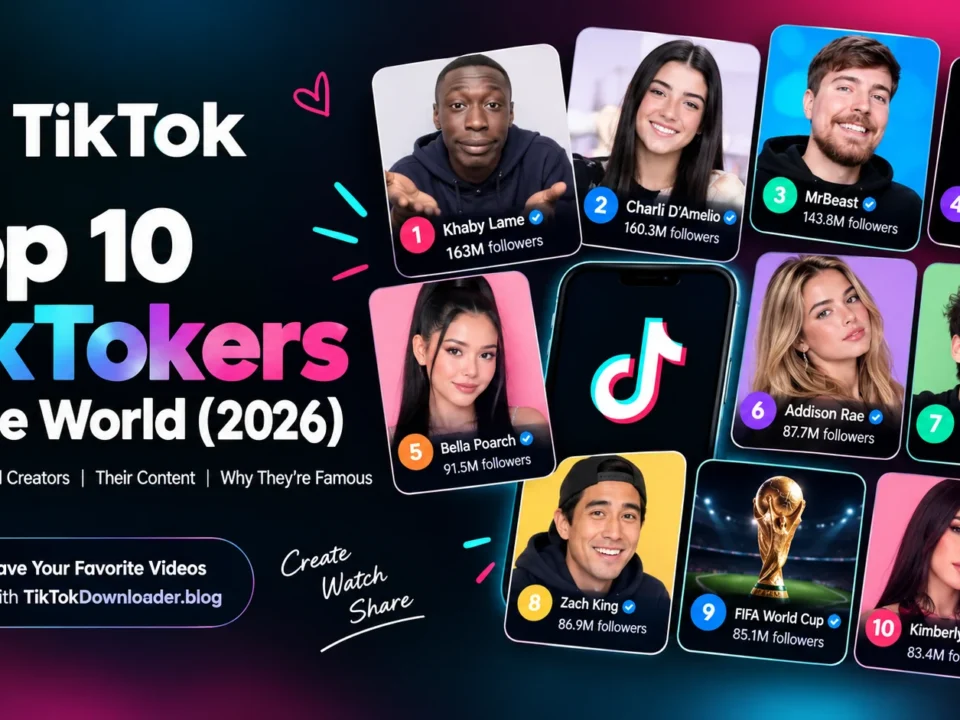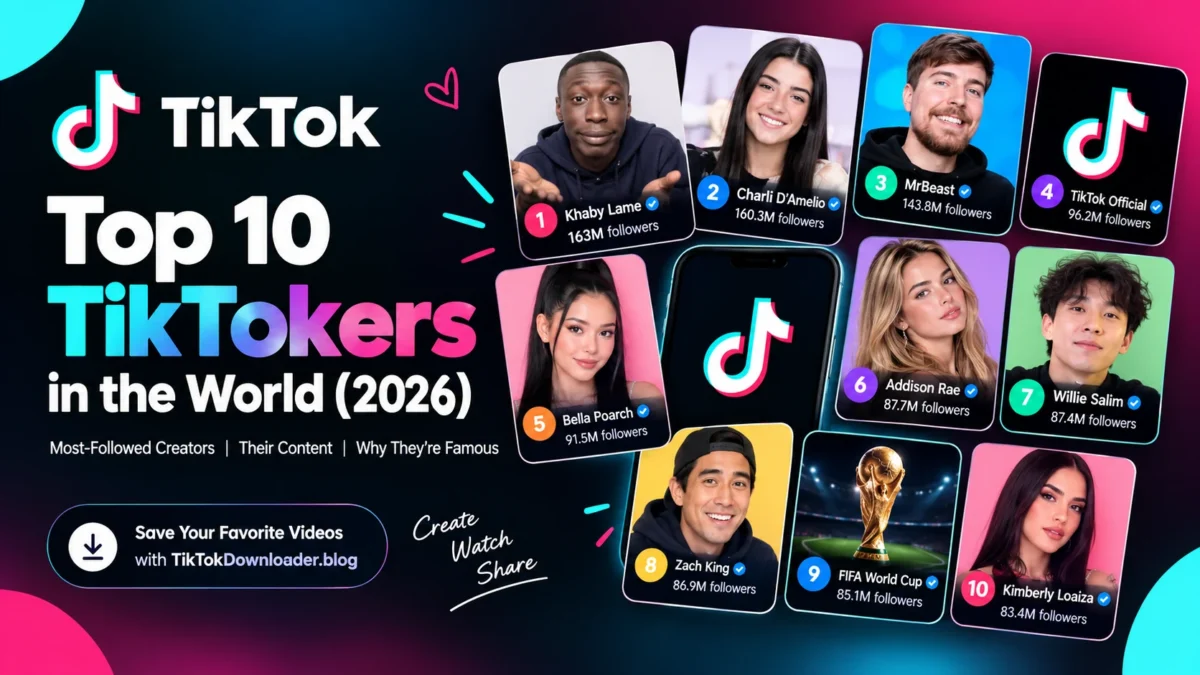

Top 10 Most Followed TikTokers in the World
October 13, 2026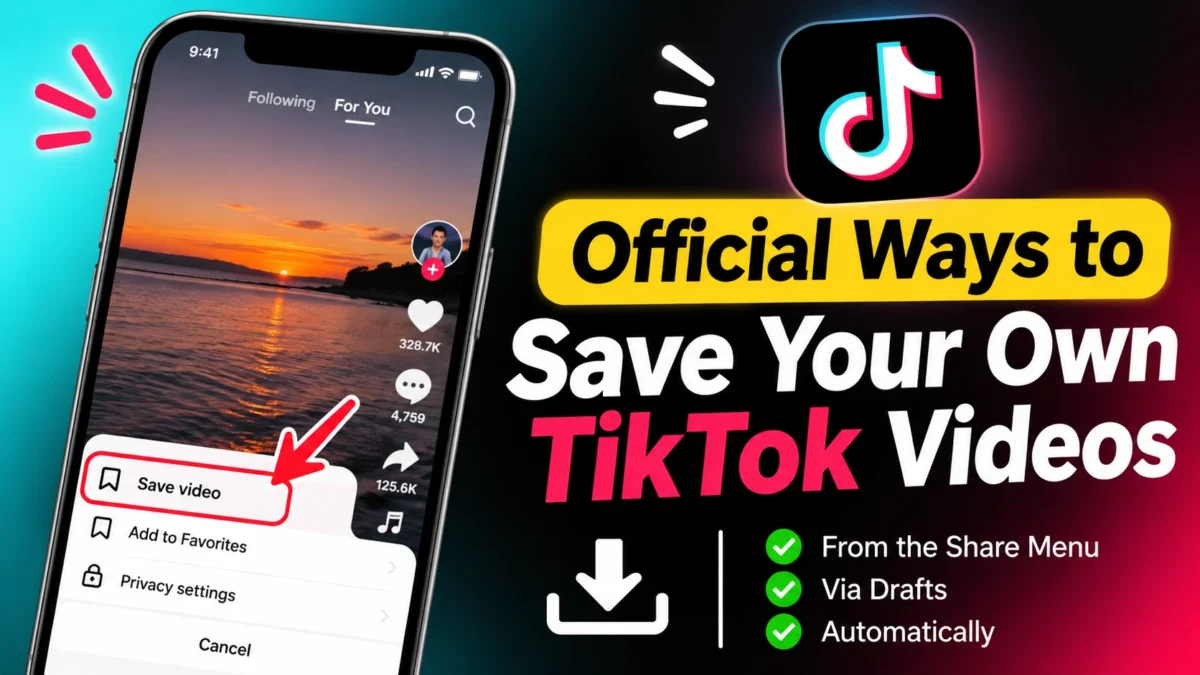
Why a clean file is worth the extra step
A clean version of your own video is useful more often than people admit. Maybe you want to open it in CapCut and tighten the pacing. Maybe you’re turning the same clip into a YouTube Short or an Instagram Reel and you don’t want TikTok’s watermark sitting in the corner. Or you just want a backup sitting on your hard drive in case something weird happens to the post later. In every one of those cases, starting with a file that came straight from TikTok is the cleanest path.
The official options that actually work
Right now the most reliable place is TikTok Studio. Log in on a computer (or check the app if the option is showing for you). A lot of creators can open their posts there and download a clean version without the moving watermark. It isn’t instant every time, and TikTok still changes things, but when it works it gives you the real file you uploaded.
Some accounts can also request a full data download through the privacy settings. It takes a while and the package is big, but when it arrives it often includes the original video files. It’s not the fastest method, yet it’s fully official.
If none of that is available and you just need something quickly, the built-in Save video button still works. You get the watermark, but the file is yours and it stays inside the app. Plenty of people use that version when the watermark doesn’t bother them for the job they’re doing.
What about those third-party sites?
You’ve probably seen sites that promise a clean download if you paste a link. They exist, they sometimes work for a while, and then they stop when TikTok changes something. They’re unofficial, they can break overnight, and using them on content that isn’t yours is a bad idea for both copyright and TikTok’s rules. Even if a tool hands you a file, that doesn’t mean you can re-upload it as your own or use it in ads. A lot of the sounds on TikTok are copyrighted too, so the rights issues stack up fast.
Private videos, restricted posts, or anything where the creator turned downloads off usually won’t come through those tools anyway.
What most creators end up doing
The people who stay out of trouble tend to do this: they grab their own video through TikTok Studio when they can, drop that clean file into their editor, and move on. If Studio isn’t cooperating that day, they use the watermarked save and live with it, or they wait and try Studio again later. It isn’t the most exciting workflow, but it keeps everything inside the system TikTok actually supports.
If you only need a personal copy and the watermark is fine, the normal save button is enough. For anything you’re going to edit or repost elsewhere, the extra minute inside TikTok Studio is usually worth it.
One last thing
Treat other people’s videos the same way you’d want yours treated. Saving something you don’t own and then posting it somewhere else creates problems you don’t need. Stick to your own content, use the official tools when they’re available, and you’ll spend less time fighting broken websites and more time actually making videos.
Most people hit the same wall: TikTok’s own save button works, but it stamps the video with a moving logo and username. If you want the clean version instead, third-party tools are the usual route — with some important limits.
Disclaimer
Downloading videos you don’t own or don’t have permission to use can break copyright law and TikTok’s terms. This guide sticks to official options for your own content. We’re not connected to TikTok or ByteDance in any way.
You’ve probably hit this moment: you made a video you’re proud of, you want a clean copy for editing or to post somewhere else, and TikTok’s normal “Save video” button stamps a moving logo and your username right across it. It’s frustrating when all you want is the version you actually uploaded.
The good news is TikTok gives creators a few proper ways to get their own files without relying on random websites. Those official routes are slower sometimes, but they’re the ones that actually stick around and don’t put your account or content at risk.