
Tate McRae’s “Housewife” Became One of TikTok’s Messiest (and Most Useful) Sounds of the Season
November 4, 2026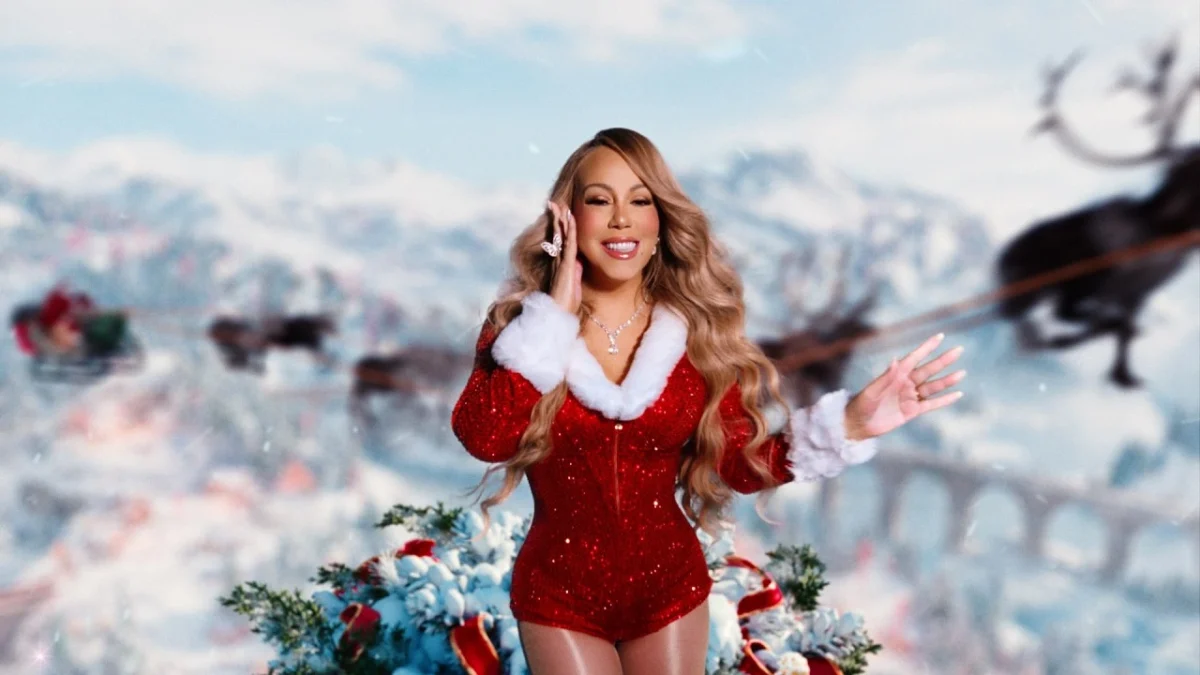
Mariah Carey posted her annual “It’s Time” video on November 1, 2026, and the feed flipped almost immediately. One day it was still full of leftover Halloween costumes and “I’m so sorry” carousels. The next, people were flipping calendars, stringing the first lights, and filming decoration reveals.
If you’re planning to post Christmas content on TikTok this year, the formats that are already working are simpler than most people expect. The bigger problem usually shows up later—when you want a clean copy of something you just posted and the save button is missing, the draft disappeared, or the only version you have has the watermark burned in.
Here’s what’s actually useful right now.
What’s Already Working in Early November 2026
The clearest early signal is Mariah Carey’s “All I Want for Christmas Is You” paired with her “It’s Time” clip. Creators are using it for the obvious seasonal moments: turning the calendar to November, putting up the first string of lights, or doing a quick “defrosting” transition from everyday to festive.
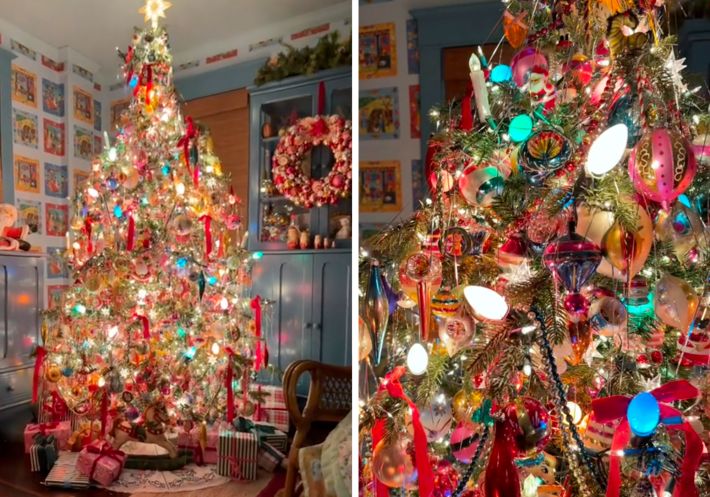
Photo carousels are carrying a lot of the early load. Decoration dumps, outfit grids, and short countdown sequences all fit the format well. Video still works, but a lot of the posts that are performing right now are just a handful of well-lit stills with a short sound clip behind them.
Other classic Christmas tracks are starting to reappear too, but nothing else has the same automatic recognition as the Mariah clip in the first week of November.
Simple Structures That Fit the Moment
You don’t need a complicated edit. These formats are already showing up and they’re straightforward to film:
Decoration or setup reveal
Film or photograph the process, then end on the finished result. A photo carousel works especially well here because people can swipe through the steps at their own pace. Keep the final frame clean so the result is obvious without reading the caption.
Countdown or calendar flip
A short sequence that moves through dates or “days until.” Simple text on screen helps. This is one of the easiest things to do in photo mode and it tends to get saved.
Outfit or look transition
Start in normal clothes or a casual setting, then switch to the finished festive look. A short walk toward the camera or a still pose both work. A lot of people are pairing this with seasonal audio.
Photo timeline
An older photo next to the current version. It doesn’t require much production and it gives the post a clear story without needing heavy editing.
Text-forward posts
Minimal visuals with a clear line of text. These can still perform when the writing is specific and the visual is clean enough that people pause or zoom.
The common thread is that the structure is easy to understand in the first second or two. Heavy effects aren’t necessary for these early posts.
Sounds That Are Actually Being Used
Mariah Carey’s track is the clearest seasonal audio right now. People are dropping it on decoration reveals, calendar flips, and short transitions.
Other holiday songs and sped-up versions will pick up as the month goes on. You can also use non-holiday sounds that are currently strong if the format fits—especially anything built around a reveal, a walk, or text on screen.
One practical limit worth knowing: sounds available inside TikTok are meant for use on the platform. If you want to keep a version of your post for other places later, the safest route is still to finish the video (or carousel) inside the app and save a copy of the finished file at the time you post.
How to Archive Your Own Christmas Posts
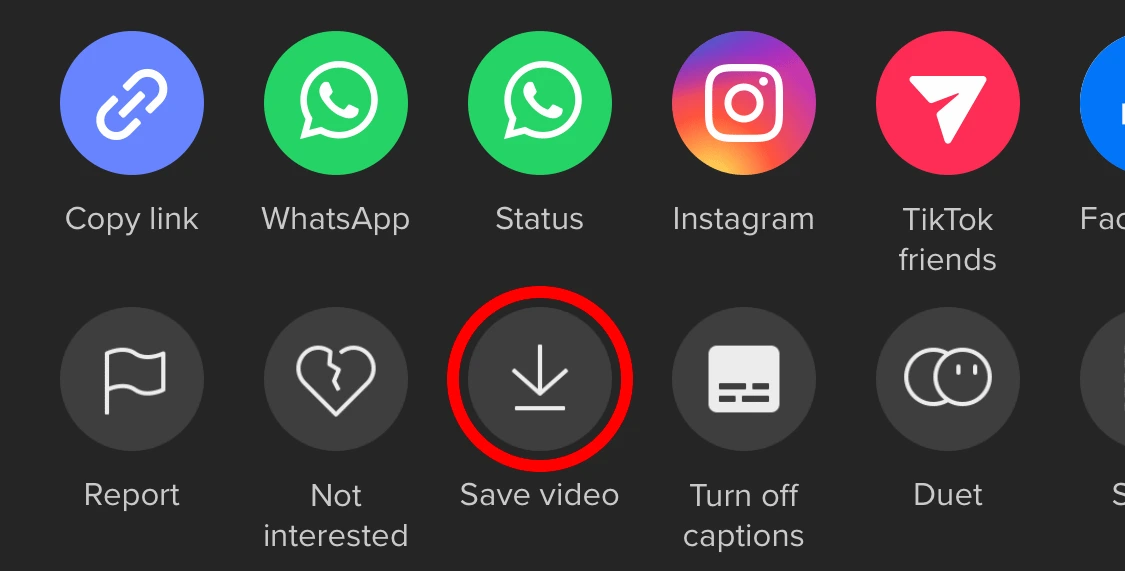
This is where most people hit friction. TikTok doesn’t give you a perfect offline master of every post, and the options change slightly depending on whether you’re still in drafts or the video is already live.
Before you post
On the post screen, look for “More options” and turn on “Save to device.” When this is enabled, posting usually drops a copy into your camera roll. This is the cleanest official path for your own content.
If you’re working from a draft, you can sometimes save directly from the editor. When that option isn’t there, the private-post method below is the usual workaround.
After the video is live
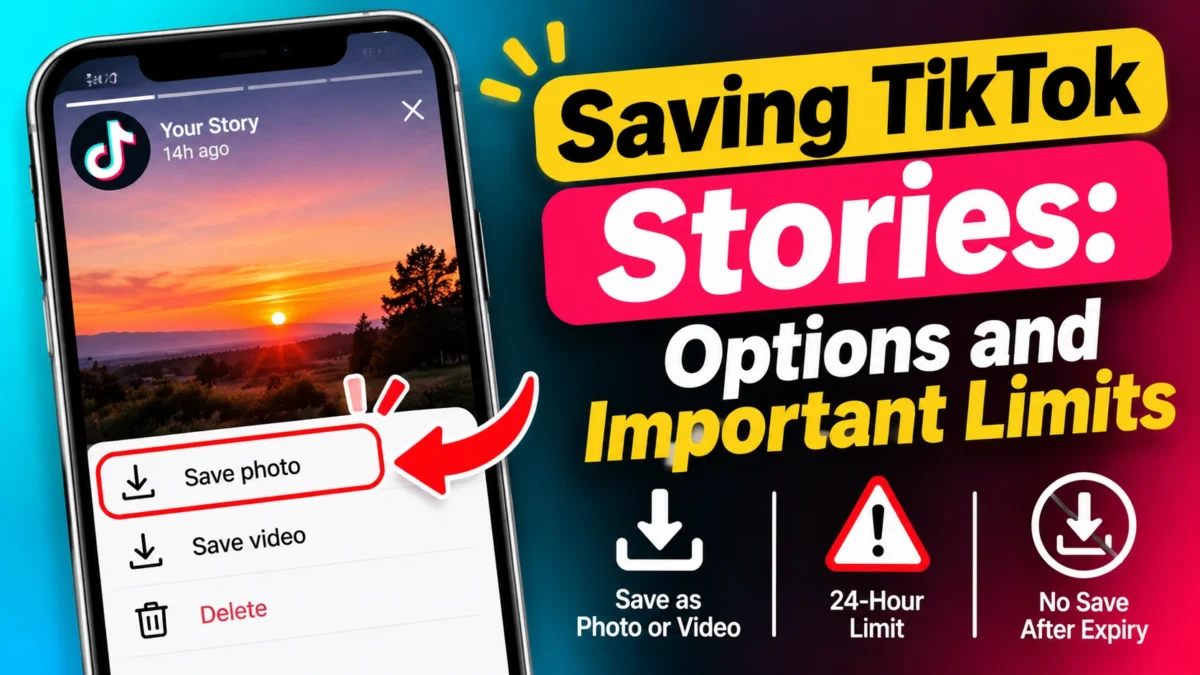
Open your own post, tap Share or the three-dot menu, and look for “Save video.” It usually works, but the file you get typically includes the watermark.
On a computer (while logged in on tiktok.com), a download option can appear for your own videos in some cases. TikTok Studio on desktop sometimes offers a cleaner download of your own content, though availability depends on the account and region.
The private-post method for drafts
If you need a local copy of something still sitting in drafts:
- Open the draft and go to the post screen.
- Set “Who can watch this video” to “Only me.”
- Turn on “Save to device” under more options.
- Post.
The video stays private (you’ll see the lock icon) and a copy should land in your gallery. You can delete the private post afterward if you don’t want it sitting on your profile.
Limits worth knowing
- Drafts live on the device. They can disappear if you uninstall the app, switch phones, or clear data. Save anything important to your camera roll or cloud before you change devices.
- The post-publish “Save video” option usually adds the watermark.
- Private accounts, restricted download settings, and brand-new posts can hide the save button entirely.
- Photo carousels sometimes let you save individual images (when the option is available) instead of only a rendered video of the whole post.
A simple habit that reduces later headaches: save a copy to your camera roll at the moment you post, especially for anything you might want to reuse or reference. If you edited outside TikTok, keep the original project file as well.
Quick Version
- Pick a simple structure (reveal, countdown, or photo timeline).
- Use the seasonal sounds that are already available inside the app.
- Turn on “Save to device” before you post when you want a local copy.
- Use the “Only me” method if you need to pull a draft to your gallery.
- Back up anything important outside the app. Drafts and platform copies are not permanent archives.