
Saving TikTok Stories: Options and Important Limits
November 2, 2026
Tate McRae’s “Housewife” Became One of TikTok’s Messiest (and Most Useful) Sounds of the Season
November 4, 2026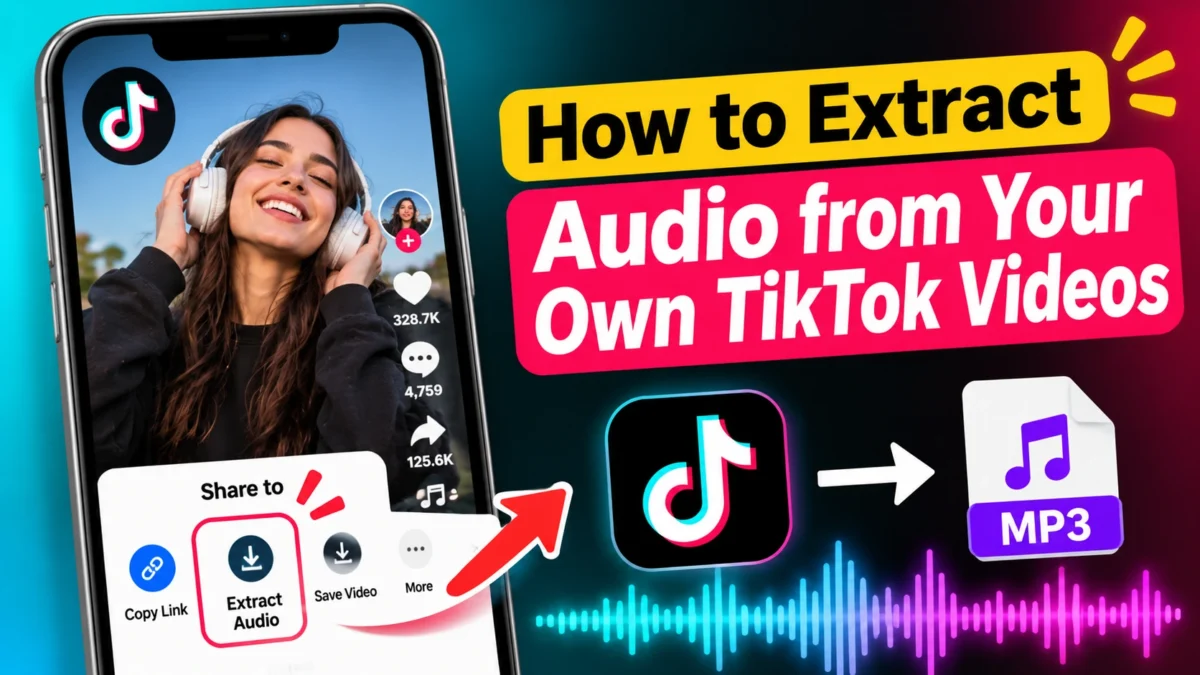
When you actually need the audio
Sometimes the picture doesn’t matter and you only care about the sound. You might have recorded a voiceover you want to reuse, or you want the original track from a video you made so you can drop it into a new edit without the visual. In those cases a clean MP3 (or the original format) is handy. Starting with a file that came from TikTok itself keeps things simpler and lower risk than pasting links into random converter sites.
The method that holds up
First, download your own video the official way. TikTok Studio is the best place to start if it’s available to you. Once you have the video file on your computer, open VLC (it’s free).
In VLC go to Media → Convert/Save, add the video, pick an audio profile like MP3, choose where you want the file to land, and hit start. A minute later you have the audio track sitting in a folder. You can drop that straight into CapCut, Premiere, or whatever you use. No extra websites, no surprise ads, and you know exactly where the file came from.
Online converters
There are sites that take a TikTok link and spit out an MP3. Some of them work for a while. Most of them are full of ads, they break when TikTok updates, and they’re unofficial. They’re especially not a good idea for videos that aren’t yours. If the sound includes copyrighted music (and a lot of popular ones do), the rights problem is still there even if you only saved it for yourself.
What the quality is actually like
TikTok compresses audio. The MP3 you get is only as good as what was uploaded in the first place. Voiceovers usually come through fine. Music will sound okay for casual listening but it won’t match a proper high-quality version of the song. If the original recording was noisy, the extracted file will be noisy too. Choosing a higher bitrate just makes a bigger file—it doesn’t magically add detail that wasn’t there.
The practical reality
Most creators who need audio from their own videos end up doing the two-step: official download, then VLC (or another desktop tool). It’s a couple of extra clicks, but it stays reliable and you don’t have to wonder whether some website is going to break tomorrow or fill your screen with pop-ups. For anything involving other people’s content or commercial use, the safe move is still to get proper permission or a license.
If you only need a quick personal reference and you’re okay with lower quality, screen recording the video and then extracting the audio is another option that doesn’t rely on third-party sites. It’s not perfect, but it works while the video is still playable.
Disclaimer
A lot of the sounds on TikTok use copyrighted music. Saving audio for yourself is different from re-uploading it or using it in new content for money. Only pull audio from videos you own or have clear permission to use. We’re not affiliated with TikTok or ByteDance.
TikTok still doesn’t give you a simple “download just the audio” button. If you made a video and you want the sound from it—for an edit, a voiceover, or just to keep—you have to do a little extra work. The safer way is to get the video file through TikTok’s own tools first, then pull the audio out on your computer.